
Jiujiu & Huahua Stickers · E CUBE Stickers
Sticker packs starring E CUBE's shop cats, Jiujiu and Huahua — 10 series of 12 stickers, each in Chinese, Malay and English.
1Pick your app
2Pick a series
3Stickers · 💼 Business · English
Only need one or two? Tap a sticker to download just that one (PNG). iPhone: touch and hold → “Save to Photos”.
How to use them on WhatsApp? See the guide below ↓


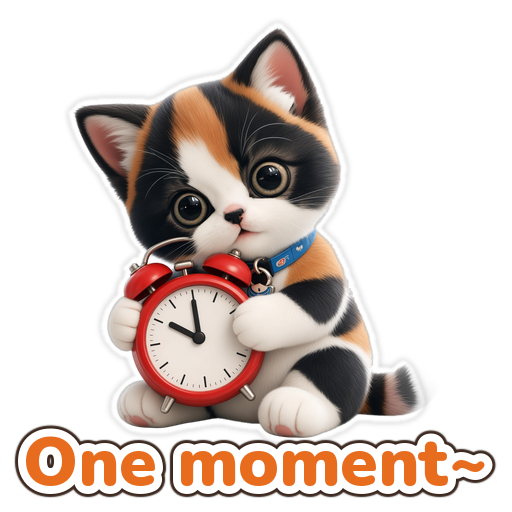





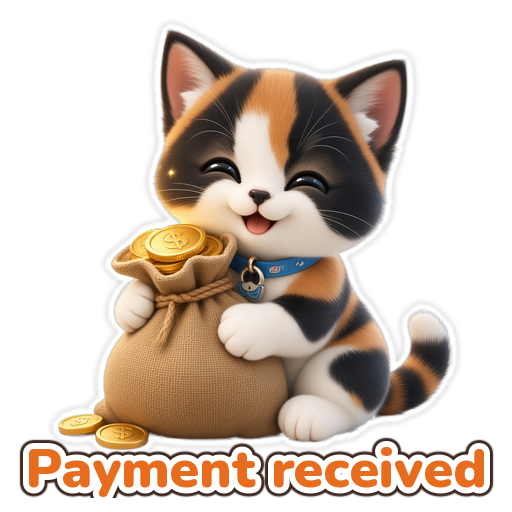
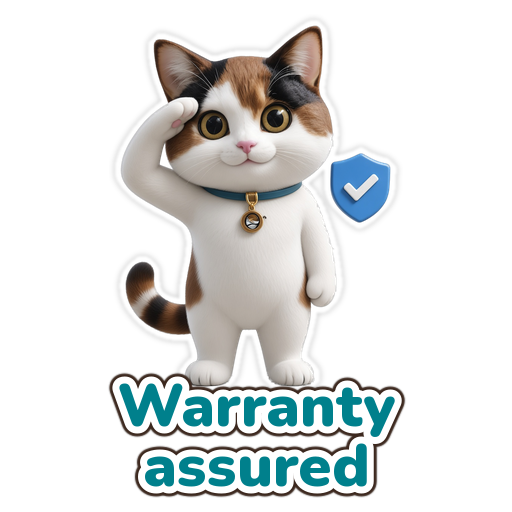

4How to use · WhatsApp
WhatsApp can turn Jiujiu & Huahua into real stickers — save once, then one tap to send. Works on both Android and iPhone. WhatsApp can't open a ZIP directly, so first save the stickers to your phone, then use WhatsApp's built-in “Create sticker”, or the free Sticker Maker app to add the whole set at once.
📲 3 steps to get a whole set on your phone
- 1Tap the big green “Download all (ZIP)” button — all 12 at once.
- 2Open the Files app → tap the ZIP → “Extract”. All 12 images are now on your phone.
- 3In a WhatsApp chat tap 😊 → “Stickers” → “Create” → pick an image → Send.
Method 1: WhatsApp's built-in “Create sticker”
Easiest · no extra app- 1Update WhatsApp to the latest version in the Play Store.
- 2Tap a sticker on this page — the PNG downloads to your phone's “Download” folder and shows up in your gallery.
- 3Open any WhatsApp chat, tap the 😊 emoji icon next to the message box, then the Stickers tab.
- 4Tap “Create” and pick the sticker image you just downloaded.
- 5Tap Send on the preview screen. The sticker is saved to your WhatsApp sticker collection so you can reuse it with one tap.
- 6Repeat steps 2–5 for the other stickers.
Method 2: Sticker Maker app (whole set at once)
All 12 as one sticker pack- 1Tap the green button above to download the ZIP.
- 2Open the “Files by Google” app, go to Download, tap the ZIP → “Extract” → Done. The images are saved in the same folder.
- 3Install the free “Sticker maker” app (by Viko & Co) from the Play Store.
- 4Open it → Create a new stickerpack, enter a name (e.g. Jiujiu Huahua) and author (E CUBE).
- 5Open the pack: tap the tray icon and choose tray.png; then tap boxes 1, 2, 3… and pick images 01–12 one by one, choose “Select All” and save.
- 6Once you have at least 3, tap “Add to WhatsApp” → “Add”. The free version shows an ad first.
- 7Back in WhatsApp → 😊 → Stickers — the Jiujiu & Huahua pack is there.
💡 Tip: once one person has made the pack in WhatsApp, tap “⋯” on the pack in the sticker tray → “Send” to share the whole pack with colleagues or customers. WhatsApp official help
🐾 Meet Jiujiu & Huahua
Jiujiu (九九) — the big white cat with patches, the mum. Professional and dependable: greets customers and fixes PCs.
Huahua (花花) — the black, orange and white kitten, the daughter. Cute and cheeky: runs the Live and says thank you.
❤️ These stickers are free to use and share — send them to your friends! Please don't resell them.